01A booking call comes in during the dinner rush.
The configured AI agent can check availability and create a reservation in BistroApps Booking.
Give the caller a booking path while the team serves the room.
Connect an AI phone agent to your venue’s booking rules and availability. With the supported Booking setup, callers can make a reservation, change a time or cancel—while your team concentrates on the guests in the room.
Free app trials for the first 50 restaurants.
The phone competes with the guests in front of your team.
The configured AI agent can check availability and create a reservation in BistroApps Booking.
Give the caller a booking path while the team serves the room.
Supported tools find, reschedule, resize or cancel a booking within the venue rules.
Handle common changes through the same phone flow.
Configure a handoff number and a fallback message.
Provide a route back to a person when the conversation needs one.
The phone agent can retrieve venue rules and check Booking availability before offering a reservation.
The supported Booking connection lets the agent submit a booking using the required guest and reservation details.
Tools support booking lookup, rescheduling and party-size updates, subject to matching and booking rules.
Supported tools can cancel an eligible booking or provide the venue’s booking link.
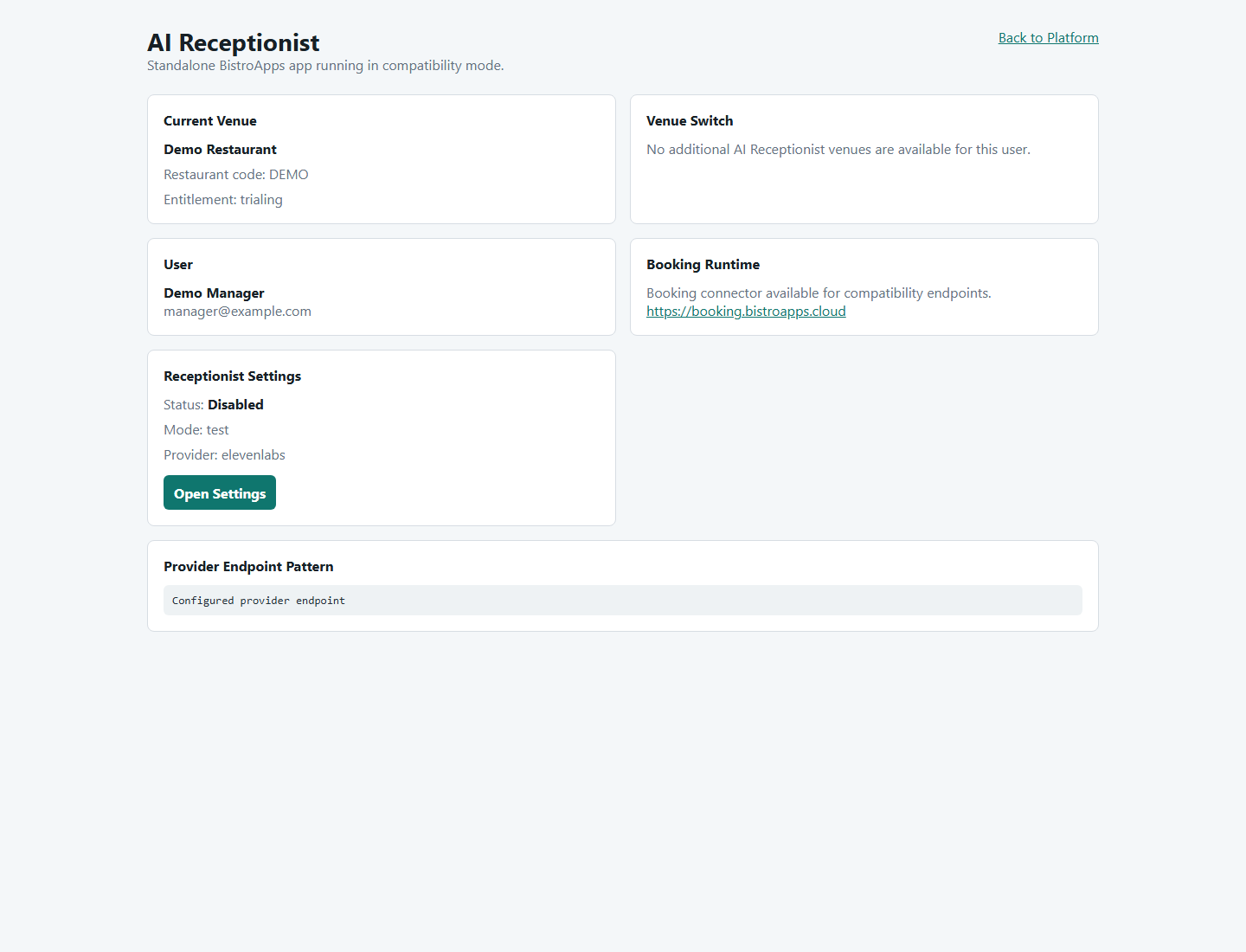
Configure a greeting, booking-policy text, called number, handoff number and fallback message for the venue.
Manage the agent connection and enabled state with test/live settings. Validate the provider and Booking configuration before handling live calls.
Want to see how this would work in your restaurant?
Discuss my phone & booking setupAn example of the supported flow after the phone and Booking tools are configured.
EXAMPLE WORKFLOWThe agent collects the date, time and party size, then checks availability.
The booking tool uses the required guest details and applies the venue’s rules.
The flow can help with supported changes or use the configured human handoff when needed.
Clear requirements help you decide whether AI Receptionist fits the way your restaurant works.
Discuss my setupTell us about your devices, workflow and venue.
Talk through the details ↗
Yes, the supported Booking integration includes a create-booking tool as well as availability checks. The phone agent and tools must be configured and tested for your venue first.
The supported tools include booking lookup, rescheduling, party-size changes and cancellation. Actions depend on identifying the booking and meeting the venue’s rules.
The current supported connection is BistroApps Booking where configured. Compatibility with another booking system should be discussed before you plan a rollout.
Treat the venue settings and provider agent configuration as one setup process. We’ll verify the actual phone flow, tool connection and handoff before relying on it for live calls.
The first 50 restaurants are invited to trial selected app access free. We’ll confirm availability, terms and any separate provider usage costs before setup.
Tell us what you need to solve. We’ll discuss the fit, explain the setup and help you take the next step.