01Your guest list sits unused between visits.
Import CSV contacts or eligible Booking audiences, with source filters.
Build a relevant audience for a new menu or event.
Create personalised SMS campaigns from imported contacts or authorised Booking audiences. Preview message length, send a test, schedule the campaign and follow delivery progress from one place.
Free app trials for the first 50 restaurants.
You have past guests to invite back, but no repeatable way to plan and track a campaign.
Import CSV contacts or eligible Booking audiences, with source filters.
Build a relevant audience for a new menu or event.
Review the message estimate and send a test before the main campaign.
Catch copy and formatting issues before they reach your audience.
Follow campaign progress and message delivery states, including failures and skips.
See which messages need attention.
Import lists, add contacts manually or bring in Booking guests from the sources your account can access.
Select contacts by their available source and venue context, with eligibility checked before sending.
Use supported contact merge fields to personalise the message body for each recipient.
See character counts, GSM-7 or Unicode encoding and estimated SMS segments, with message-length limits.
Send a test to review the result, launch a prepared campaign or schedule it using the venue’s timezone.
Sending checks consent and opt-out state. STOP replies update opt-outs, while delivery callbacks feed campaign progress.
Want to see how this would work in your restaurant?
Plan my first SMS campaignPrepare a campaign before the next service takes over your day.
EXAMPLE WORKFLOWSelect an authorised Booking source or import a list with appropriate consent.
Write the invitation, check personalisation and SMS segments, then send a test.
Choose the send time and monitor the campaign’s delivery progress.
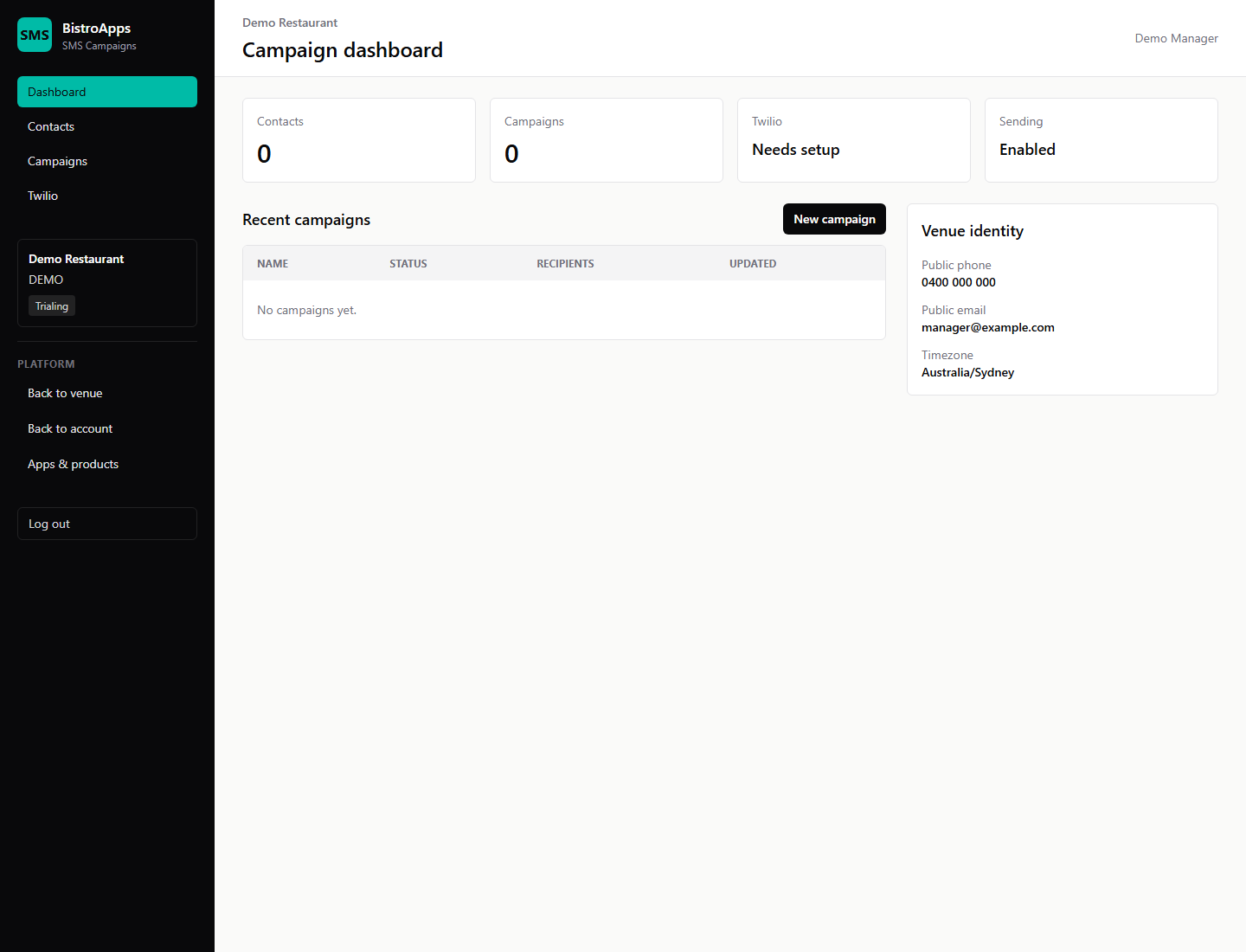
Clear requirements help you decide whether SMS Campaigns fits the way your restaurant works.
Discuss my setupTell us about your devices, workflow and venue.
Talk through the details ↗
Yes. SMS Campaigns supports a bring-your-own Twilio setup. Provider sending costs remain separate from app access.
Yes. The campaign workflow includes a test-send action and message-length estimates before the main campaign.
Message length and encoding affect the number of SMS segments sent. The app estimates those segments so you can review long messages or Unicode characters before sending.
No. Importing is not consent. The app applies sending eligibility and opt-out checks, and your venue must have the appropriate permission for its campaign.
The first 50 restaurants are invited to trial selected app access free. We’ll confirm availability, terms and any separate provider usage costs before setup.
Tell us what you need to solve. We’ll discuss the fit, explain the setup and help you take the next step.