01Availability lives in yesterday’s messages.
Staff can maintain weekly availability and apply saved availability templates.
Start the roster with a clearer view of who can work.
Build a roster around staff availability and job roles, review scheduled hours and estimated wage costs, then publish the plan. Give managers and staff a shared place to check the week ahead.
Free app trials for the first 50 restaurants.
Staff availability, shift coverage and planned wages are spread across separate files.
Staff can maintain weekly availability and apply saved availability templates.
Start the roster with a clearer view of who can work.
Review scheduled hours and wage estimates for the roster period.
Make staffing decisions with the planned cost visible.
Build in a draft period, publish it and track staff acknowledgements.
Give the team a defined roster to review.
Capture weekly availability in the same system used for scheduling, with saved template sets for recurring patterns.
Assign employees to dated shifts with start and finish times and the job roles your venue uses.
Prepare the roster before publication. Published periods are protected from direct shift edits; further changes use a new draft period.
Review total scheduled hours, estimated total wages and a shift-by-shift breakdown based on recorded hourly wages.
Record when staff acknowledge a roster and review acknowledgements for the period.
Managers and staff can switch between venues they are authorised to access. Rosters and availability are scoped to the selected location.
Want to see how this would work in your restaurant?
Show me Roster for my teamBring availability, coverage and planned wages into the same decision.
EXAMPLE WORKFLOWApply a recurring availability template and review the week’s availability.
Allocate shifts and roles, then inspect scheduled hours and the wage estimate.
Publish the period and review staff acknowledgements.
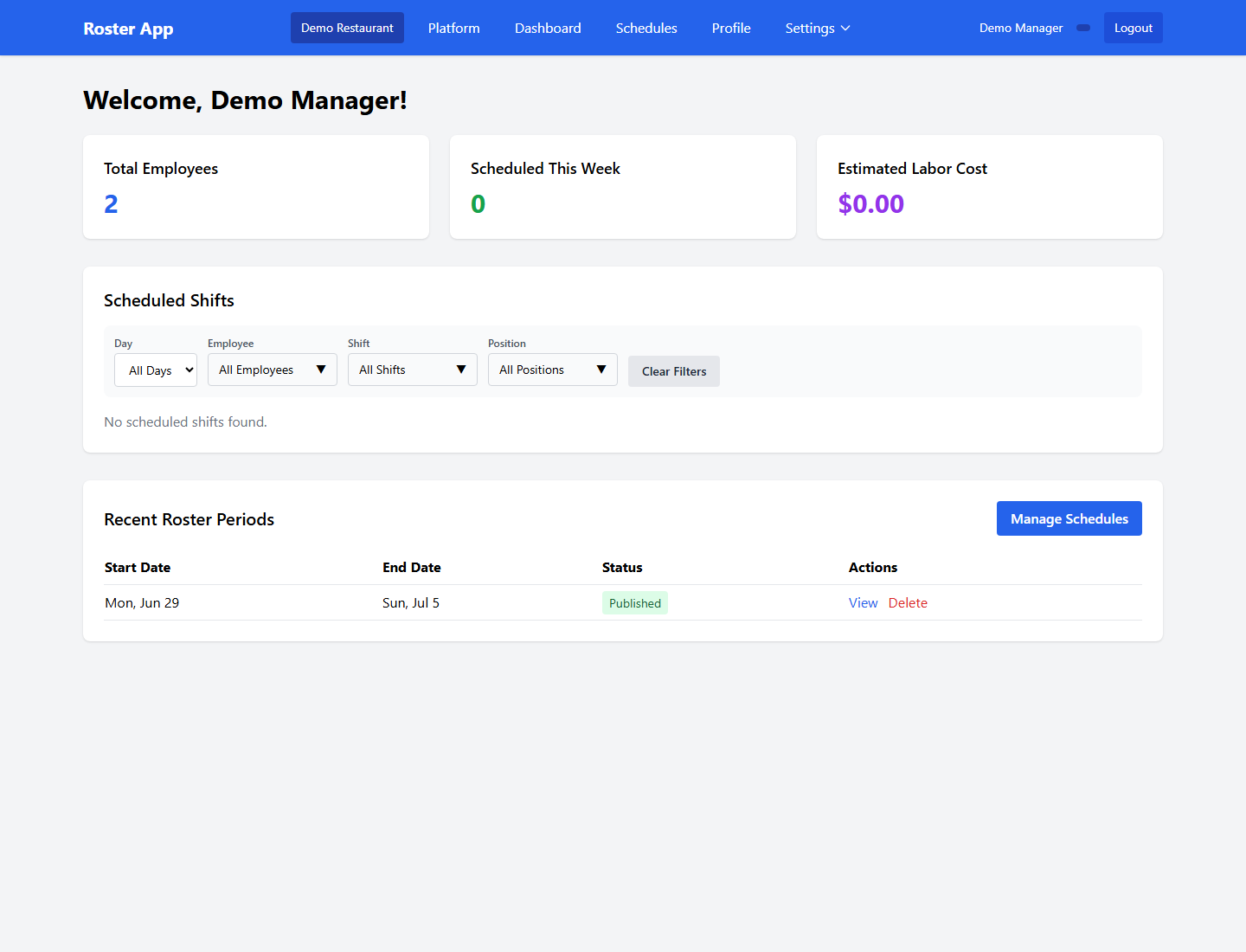
Clear requirements help you decide whether Roster fits the way your restaurant works.
Discuss my setupTell us about your devices, workflow and venue.
Talk through the details ↗
No. It estimates wages from scheduled hours and the recorded hourly wage. It does not replace payroll, award interpretation, penalties or other employment-cost calculations.
Yes. Availability template sets can be saved and applied to a week, so recurring availability does not need to be entered from scratch each time.
The draft-to-published workflow separates preparation from a published roster period. Published periods are protected from direct shift edits.
Yes. Roster acknowledgement records let you review who has acknowledged a published period.
The first 50 restaurants are invited to trial selected app access free. We’ll confirm availability, terms and any separate provider usage costs before setup.
Tell us what you need to solve. We’ll discuss the fit, explain the setup and help you take the next step.