01Updating each TV becomes a separate job.
Build a venue gallery and assign it to one or more paired screens.
Reuse the same menu or promotion across the venue.
Upload images and videos, organise them into galleries and assign them to your screens. Set playback windows, control presentation and monitor which screen is playing what from your venue dashboard.
Free app trials for the first 50 restaurants.
Menus and promotions are scattered across devices, with no clear view of display status.
Build a venue gallery and assign it to one or more paired screens.
Reuse the same menu or promotion across the venue.
Configure gallery assignments with day-of-week and time windows.
Prepare the relevant content for each service, then refresh the player to load the active selection.
Check last-seen, playback status and the reported current media.
Find the screen that needs attention.
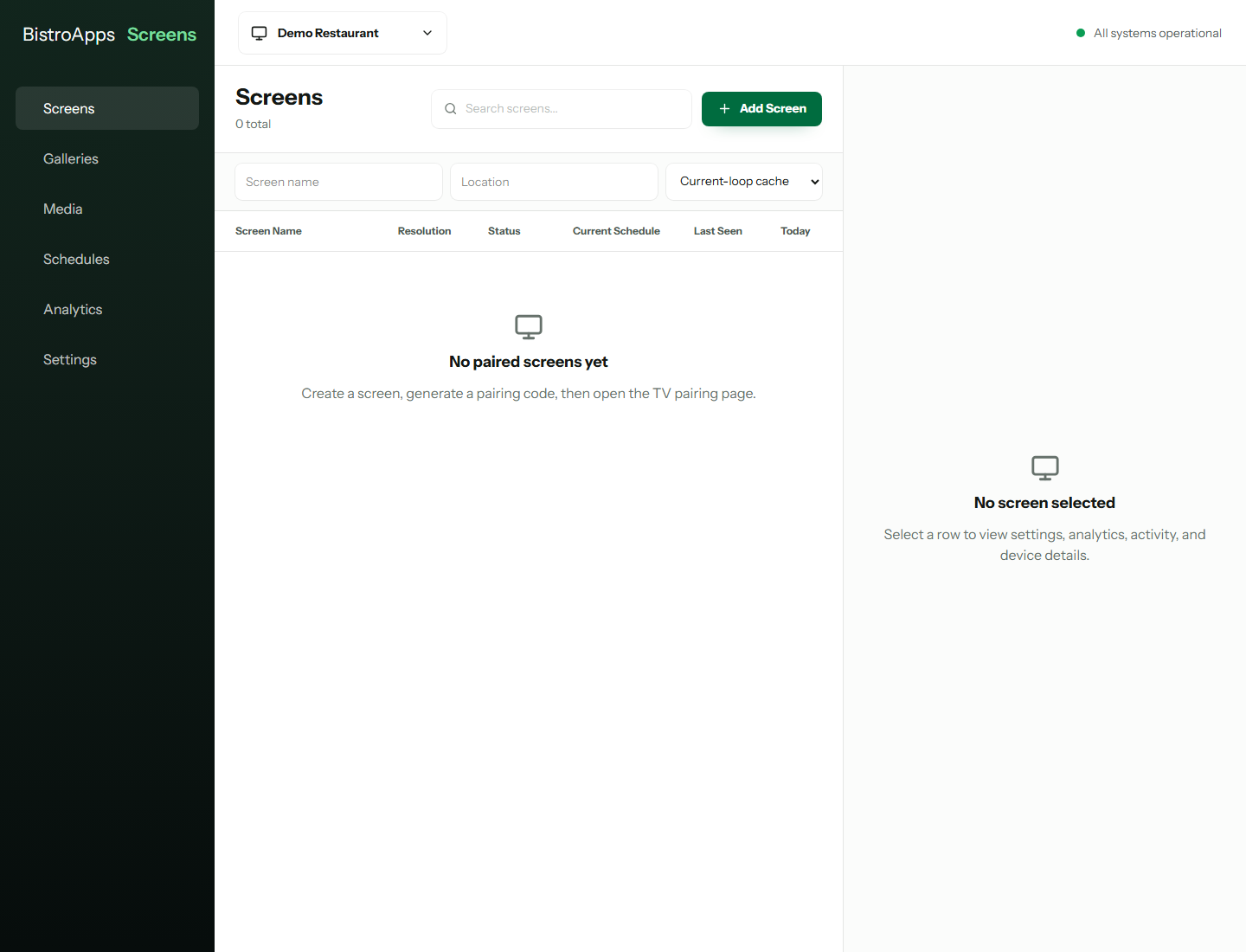
Pair a display through a code flow and manage it as a named venue screen.
Upload individual files or batches and organise media into reusable venue galleries.
Assign galleries to screens with an ordering for their playback loop.
Set assignment windows by weekday and start/end time. Active content is selected when the player loads or is manually refreshed.
Set image durations, control per-screen audio and apply supported rotation, flip or mirror transforms. Fullscreen playback hides controls after inactivity.
Review screen status, last-seen information and playback reporting from player heartbeats.
Want to see how this would work in your restaurant?
Check my TV setupA guided display workflow with an explicit refresh step.
EXAMPLE WORKFLOWUpload your image or video and set the order and image display duration.
Choose the screens and any day/time windows for the gallery.
Refresh each player to load the current selection, then check its playback status.
Clear requirements help you decide whether Screens fits the way your restaurant works.
Discuss my setupTell us about your devices, workflow and venue.
Talk through the details ↗
The current player uses manual refresh for content updates. Prepare and assign the content, refresh the player, then verify playback.
Yes. A venue gallery can be assigned to one or more paired displays, with assignment ordering and playback windows.
No. Displays use a pairing-code flow rather than a staff login. Management remains connected to your Platform account and permissions.
Plan for connected operation and test your actual devices. The current build has media caching settings, but uninterrupted offline playback is not a capability we promise.
The first 50 restaurants are invited to trial selected app access free. We’ll confirm availability, terms and any separate provider usage costs before setup.
Tell us what you need to solve. We’ll discuss the fit, explain the setup and help you take the next step.