01Everyone books at the same time.
Set arrival intervals, maximum covers per slot and service-specific booking rules.
Spread arrivals around the service your kitchen and floor can handle.
Accept online reservations, control when guests arrive and manage the floor from one booking system. Service schedules, table allocation, guest records and self-service booking changes give your team a practical way to run the whole visit.
Free app trials for the first 50 restaurants.
Bookings, walk-ins and changing tables are competing for your attention.
Set arrival intervals, maximum covers per slot and service-specific booking rules.
Spread arrivals around the service your kitchen and floor can handle.
Mark arrivals, record no-shows and release a finished booking from the Live Map.
Give the host an up-to-date table picture for the next guest.
Let guests look up, reschedule or cancel their booking within your change rules.
Handle routine changes without pulling a staff member off the floor.
Share a venue booking link or embed the booking flow in your website. Guests choose from availability calculated for your venue.
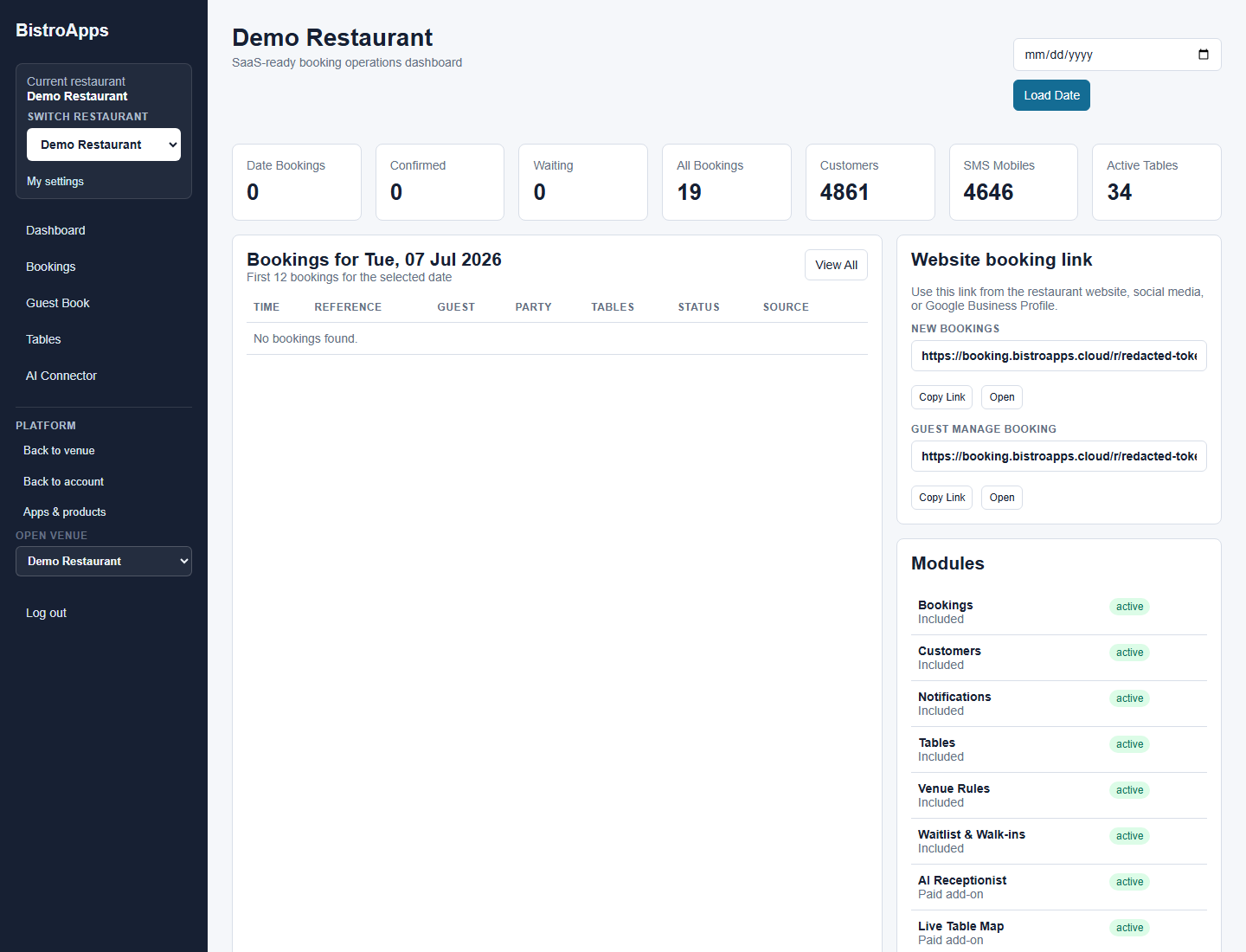
See tables alongside bookings. Add walk-ins, mark guests as arrived, move service forward and release a table when a party finishes.
Configure service periods, slot intervals, advance-booking windows, minimum lead time, maximum party size and covers per arrival slot.
Set dining durations by guest count, with service settings and staff overrides where appropriate.
Keep guest details with the reservation. Guests can manage their booking through a lookup flow, subject to your change cutoffs.
Manage waiting guests alongside reservations. Configured notification modules support confirmations and reminders; the Live Waitlist supports table-ready messages and temporary holds where enabled.
Want to see how this would work in your restaurant?
Show me Booking for my venueA typical service workflow, from checking the room to making the next table available.
EXAMPLE WORKFLOWLook at current bookings and table availability before promising a seat.
Add the walk-in and mark the party as arrived against its table.
When the party finishes, release the table so the host can assess the next arrival.
Clear requirements help you decide whether Booking fits the way your restaurant works.
Discuss my setupTell us about your devices, workflow and venue.
Talk through the details ↗
Yes. Booking provides a public venue booking link and an embedded booking flow. You can keep your existing website and direct guests into your restaurant’s availability.
Yes. Cover limits per slot work alongside service schedules, slot intervals, maximum online party size and lead times. Dining-duration rules can also vary by party size.
Yes. The guest management flow supports booking lookup, rescheduling and cancellation. Your online change rules determine when those actions are allowed.
Plan to use it with an internet connection. Home Screen installation provides convenient tablet access; it is not a promise of offline booking operation.
The first 50 restaurants are invited to trial selected app access free. We’ll confirm availability, terms and any separate provider usage costs before setup.
Tell us what you need to solve. We’ll discuss the fit, explain the setup and help you take the next step.